




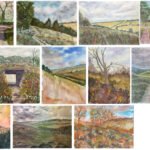
Now this is exciting. The Rose And Crown, my local pub in Hartlip, wants to…
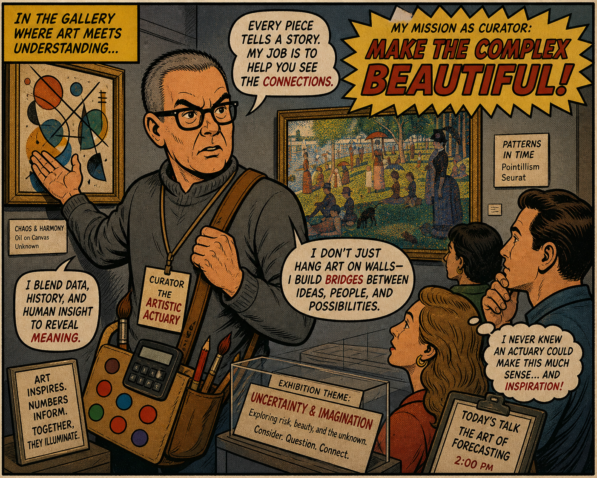
A Sleek New Look And A New Curator
It’s taken me four days to do this but I’ve finished sleekifying this website. It seems that every time I thought I was finishes, I’d walk away and think of something else that I could do. Here’s a list of the big changes:
- The white on blue menu of blog filters that went along the top of each page has disappeared. I think it was ugly and an unnecessary distraction from everything else going on.
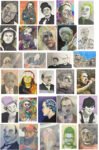
- Those filters have been largely replaced by the Artwork Curator Search Tool. This appears at the top of the right column for PC and tablet users but people using a phone will need to scroll down, where they’ll find all those right column widgets below a load of blog posts. The good thing about this search tool is that it allows the user to specify loads of categories. You want crazy posterised watercolour portraits of physicists that are among my personal favourites and are up for sale? You can tick seven boxes, press apply and you’ll see the only two paintings here that tick all seven of those boxes. Give it a go. It’s really cool.
- Because the search tool is only available on the home page (the blog) I’ve changed the link in the top menu to Return To Blog And Curator.
- I’ve made changes to the blog filter widgets down the right column. Some of these are to make the taxonony within the widgets consistent with that in the search tool. But I’ve also introduced a widget with links to the sort of posts the search tool won’t find; in particular there’s a link to gear-related posts, something to make up for the gear link in the ugly top menu disappearing.
- And finally, something you’ll probably not notice or care bout is that I’ve spent hours tidying up the categorisation of posts. To make the search tool work I needed to rebuild my tree of categories and subcategories. And tidy up the categorisation of posts, so that any post categorised under a subcategory is always categorised under the corresponding patent category too. And I did a lot of digging to find which posts would not be picked up by the search tool and create new categories for them within Posts That Are Not About Paintings.
And, on top of all that, I think I’ve found a plugin that will allow me to create posts in which the image doesn’t get cropped. Up to now I’ve had to switch to a different theme, “force regenerate” the thumbnail image, switch back to my normal theme and mess around a bit after that, getting the website to look exactly how it did before. It was a huge faff but hopefully that’s all in the past now.
And that was me done.

That’s a lovely website Steve. Works beautifully on mobile.
Cheers Andrew. Pop by again soon!